
When you start using Claude Code, Codex, or other development assistants, you quickly run into terms that can seem opaque: agent, sub-agent, skill, slash command, CLAUDE.md, AGENTS.md, permissions, sandbox, worktree... For a web or product project, this can feel like extra complexity. In reality, it's simpler than it looks: the main goal is to organize AI work in GitHub and avoid constant improvisation.
These tools are not magic. They do not replace architecture, issue quality, or review discipline. But they can make a project far smoother when roles are explicit: who explores, who executes, who reviews, who validates the rules. As long as you stay with one-off prompts, AI does its best with the context of the moment. As soon as you formalize references in the repository, quality becomes more stable, more reproducible, and therefore more useful.
What exactly is an agent or a sub-agent?
The word “agent” sounds ambitious, while its use is often very practical. In a repository, an agent is simply an assistant assigned a bounded mission: explore without modifying, analyze a bug, prepare a fix plan, audit a security risk, review a diff, or check a convention.
The sub-agent goes one step further in this separation logic: it operates in a narrower frame, with a specific objective, context, and sometimes a limited toolset. This separation becomes especially valuable as the codebase grows. It prevents mixing everything in one conversation: legacy exploration, patching a sensitive service, then generating a PR summary. Each role works in its own box and returns a usable output.
The key idea: an agent is not a “super prompt.” It is a work role. And as with a human team, quality depends on mission clarity, boundaries, and hand-offs.
So what is a skill?
A skill is a documented procedure for AI. Where the agent defines who does what, the skill defines how to execute a recurring task consistently. It includes steps, control points, files to inspect, commands to run, frequent mistakes to avoid, and an expected output format.
In practical terms, if you repeat the same requests often (PR review, issue triage, release preparation, accessibility audit), a skill saves you from rewriting long instructions each time. The method becomes versioned, visible, and improvable in Git. The team can review it like any other project component.
The main gain is not “do it faster”; it is “do it more reliably.” A good skill reduces variability across executions and turns an implicit best practice into an explicit standard.
Where do slash commands fit in?
A slash command is the ergonomic entry point. Instead of writing a long prompt, you trigger a shortcut like /review, /fix-issue, or /ship-staging. Technically, it launches a predefined workflow, often connected to a skill.
The difference may seem minor, but it is essential at project scale. A well-named slash command creates a stable interface between humans and AI procedures. Everyone calls the same action with the same quality bar. Result: less dispersion, fewer ambiguous formulations, and better continuity across sessions.
In practice, remember this: the slash command is not the business logic. It is the handle. The logic should remain in versioned, reviewable files.
Why all of this belongs in GitHub
These concepts gain value when they live in the repository, not in isolated conversations. GitHub then becomes the backbone: issues to frame needs, branches (or worktrees) to isolate execution, pull requests to review and discuss, CI checks to secure merges.
Without this structure, you accumulate intentions. With it, you build a decision memory. AI directly benefits from this traceability: it can start from a clear issue, connect work to a PR, follow explicit conventions, and align with reproducible tests.
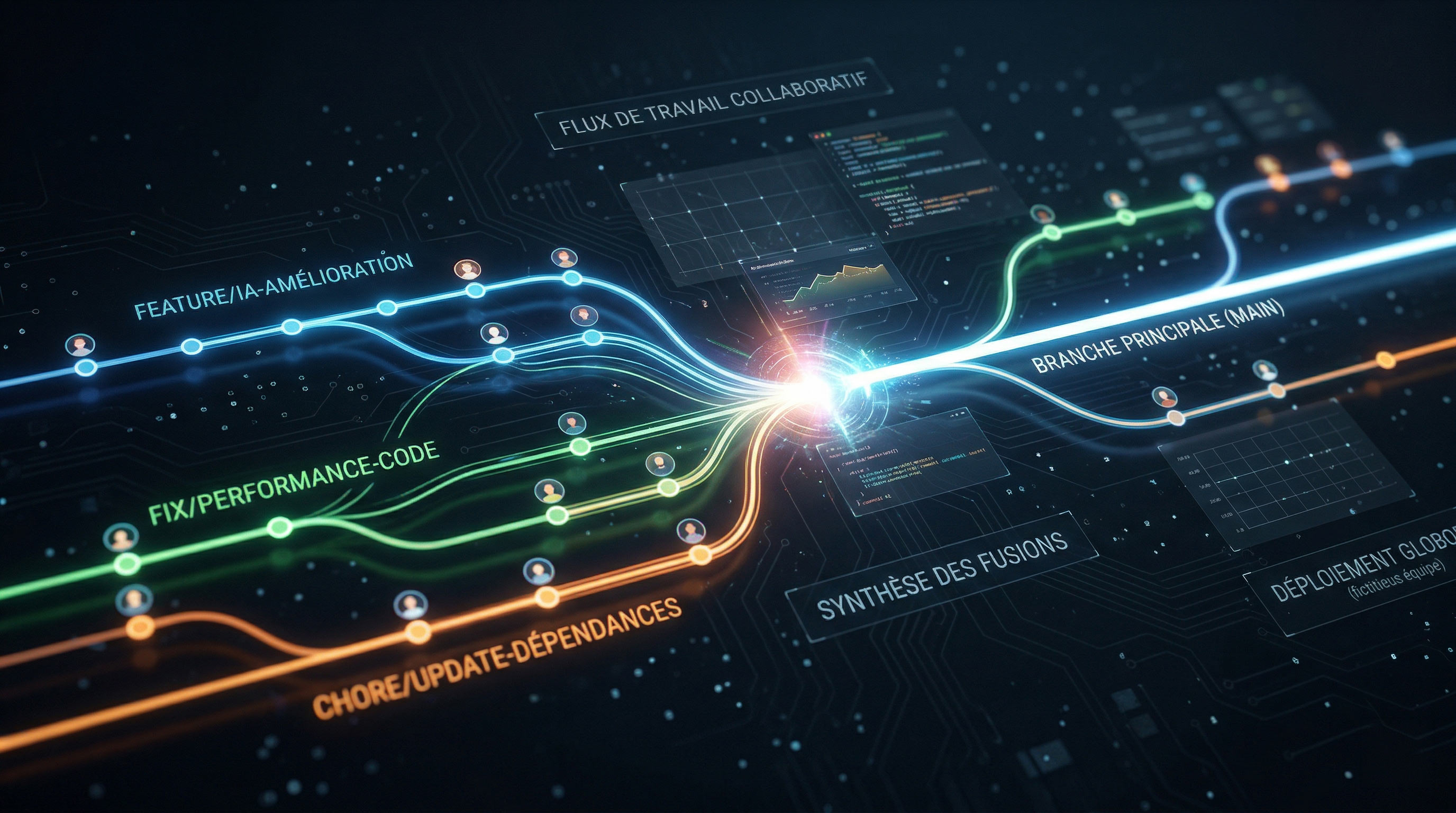
In other words, the real question is not “which AI is the strongest.” The real question is “does our repository enable clean, traceable, and continuously improvable work?”
What a well-prepared repo looks like for Claude Code
On the Claude Code side, the central anchor is usually CLAUDE.md. It is the project's operational memory: critical conventions, test commands, architectural expectations, response rules, and guardrails. This file should stay short, concrete, and maintained like living code.
Around it, the .claude/ folder helps split responsibilities: focused rules, dedicated skills, specialized agents, and access settings. This separation avoids unreadable monolithic documents and supports incremental maintenance.
A healthy structure does not need to be massive. It mainly needs clear logic: one place for global rules, one for repeatable procedures, one for specialized roles, and explicit permissions for sensitive areas.
And on the Codex side, how do you frame the repo?
With Codex, the anchor often relies on AGENTS.md and local instructions. The principle is simple: document in the repo how to navigate, test, modify, and validate. If multiple AGENTS.md files exist, scope follows the directory tree: a deeper file can refine rules for a subfolder.
This approach fits large monorepos very well: keep global rules at the root, then add more specific guidance in technical sub-areas. It reduces ambiguity and limits context errors when AI works on very different components.
In summary, Claude Code and Codex converge on the same core idea: what is not clearly written in the repository will be quickly reinterpreted. What is explicit and versioned becomes a reliable framework.
Diagram — Comparison Grid (Claude Code vs Codex)
| Dimension | Claude Code (.claude/) | Codex (AGENTS.md) |
|---|---|---|
| Core file | CLAUDE.md + specialized rules | AGENTS.md (folder-based scope) |
| Conventions | Rules, skills, dedicated agents | Hierarchical instructions in the tree |
| Permissions | Explicit settings and restrictions | Execution context + approval policies |
| Target organization | Command/skill-centered workflow | Task/branch/local-instructions workflow |
A simple rule to choose between agent, skill, and command
To avoid over-design, use a three-line rule:
- Agent: when you delegate a specialized, bounded mission (exploration, audit, review, plan).
- Skill: when you standardize a recurring procedure (PR review, release, issue fix, accessibility checks).
- Slash command: when you want to trigger that procedure quickly without rewriting the protocol.
The GitHub repository remains the spine: this is where history, conventions, protections, and collaboration quality live.
Diagram — Concept Grid (Agent vs Skill vs Slash command)
| Element | Role | When to use it | Concrete example |
|---|---|---|---|
| Agent | Carry a specialized mission | Need to isolate an analysis or audit | Explore legacy code without modifying it |
| Skill | Formalize a repeatable method | Same task repeated every week | Security + tests PR review checklist |
| Slash command | Trigger a workflow quickly | Frequent use by multiple contributors | /ui-review before front-end merge |
A very concrete example on a web project
Imagine an Astro or React project with this issue: “Add dark mode on marketing pages and fix insufficient contrast.”
Step 1 — Issue framing: the request specifies impacted pages, design constraints, acceptance criteria, and expected tests.
Step 2 — Exploration agent: an agent maps color tokens, shared layouts, already themed components, visual snapshots, and risk zones.
Step 3 — Execution skill: a ui-review skill reminds guardrails: WCAG contrast, no variable duplication, design-system consistency, responsive behavior, dark/light parity.
Step 4 — PR + review: the change goes into a dedicated branch, passes tests, goes through human + AI review, then merges when the quality checklist is validated.
This flow seems simple, and that is exactly the point. Sophistication should be in execution quality, not in concept stacking.
Diagram — Pipeline (issue → agent → skill → PR)
| Phase | Input | AI action | Output |
|---|---|---|---|
| GitHub Issue | Product need + criteria | Scope understanding | Clear attack plan |
| Exploration agent | Codebase + history | Technical mapping | Impacted zones + risks |
| Skill | Standardized procedure | Checklist-based execution | Consistent changes |
| Pull Request | Diff + tests | Assisted review + iterations | Traceable merge |
Most common mistakes
The first mistake is centralizing everything in one massive file. Beyond a certain size, instructions become contradictory and ineffective. Better to keep several short documents, each with a clear function.
The second mistake is creating too many agents too early. Most teams need one or two useful roles, not a full taxonomy from day one.
Third mistake: ignoring permissions. If the tool can read everywhere, write everywhere, execute any command, and access secrets by default, operational risk rises quickly.
Finally, a silent but frequent mistake: assuming an agent will compensate for a disorganized repository. Without clear issues, credible tests, and review discipline, AI mostly accelerates confusion.
Where to start without turning your repo into a gas factory
Start lean:
- One clear core file (
CLAUDE.mdorAGENTS.mddepending on your main tool). - Permission framing to protect secrets and sensitive folders.
- A PR review skill (tests, security, regressions, readability).
- A skill aligned with one frequent product need.
- Optionally, a read-only exploration agent.
With this foundation, you already get 80% of the value: better context quality, less repetition, and more consistent human-AI collaboration. The rest can be built progressively, at the pace of real project needs — not before.
Now you have everything you need: time to organize your repos.